
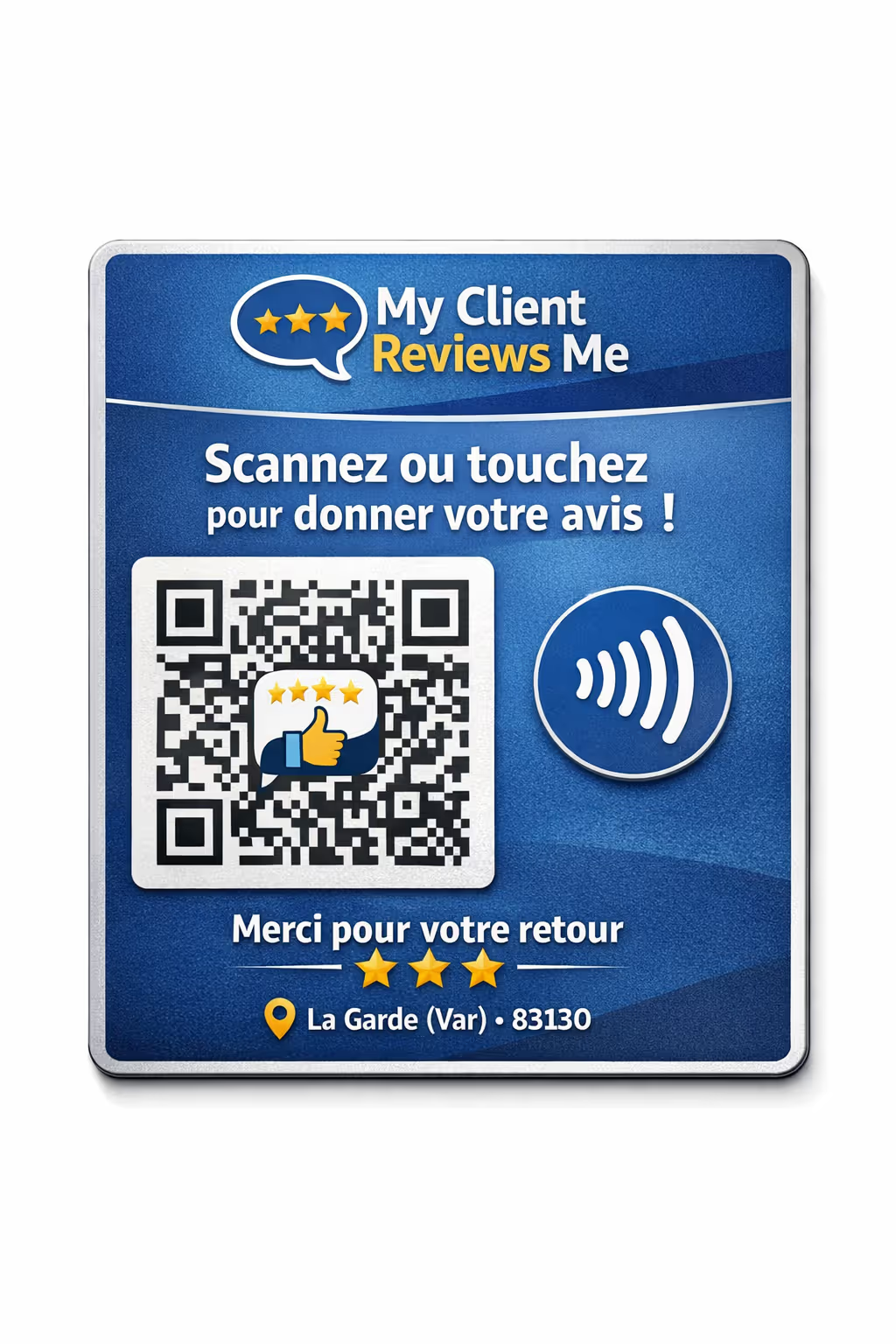
Customer reviews are now a core system in the modern tech stack—not just a marketing asset. The right customer review software can automate feedback capture, strengthen local SEO, inform product decisions, and protect brand reputation at scale. This how-to guide walks you through the technical process of selecting, deploying, and operationalizing a reviews engine that delivers measurable business outcomes.
Define Objectives, Scope, and Success Metrics
Begin with a clear problem statement and agreed-upon KPIs. This prevents tool sprawl and keeps your rollout focused.
Primary goals: Increase review volume, improve average star rating, speed up response times, boost local SEO rankings, or capture structured product feedback.
KPIs: Request-to-review conversion rate, review volume per location, rating distribution, response SLAs, profile visibility (e.g., Google Business impressions), and revenue/conversion lift.
Scope: Which locations, products, customer segments, and channels (email, SMS, in-app, QR) are in phase 1 vs. later phases.
Select the Right Customer Review Software
Choose a platform that aligns with your objectives and integrates cleanly with your existing stack. When evaluating customer review software, prioritize:
Integrations: Native connectors for CRM, POS, CDP, marketing automation, and Google Business. API and webhook support for custom flows.
Collection methods: One-tap ratings, short surveys, SMS/email requests, in-app prompts, kiosk/QR for on-site capture.
Distribution: Syndication to Google, Yelp, niche vertical sites, and product review destinations; on-site widgets; schema markup support.
Moderation & response: Role-based workflows, response templates, AI-assisted summaries, sentiment tagging, and escalation queues.
Compliance: Consent capture, opt-out controls, GDPR/CCPA readiness, TCPA-compliant SMS, audit logs.
Analytics: Trend analysis, cohort reports, location benchmarking, and revenue attribution where possible.
Example: Teams that want a streamlined request-to-review pipeline with simple deployment often consider tools like the my client reviews me platform as a starting point—configure, pilot, and try it in a limited cohort before scaling.
Map Data Flows and Events
Define when and how customers enter review request journeys.
Trigger events: Order delivered, ticket resolved, appointment completed, or usage milestone reached.
Eligibility rules: Exclude refunds, open escalations, or recent requests to prevent fatigue.
Attribution: Pass order IDs, location IDs, product SKUs, and UTM parameters to tie reviews back to experiences and campaigns.
Design Your Collection Experience
Optimize for low friction and high response rates.
Timing: Send within 12–48 hours of the experience for recency; test different windows by use case.
Channel mix: Start with SMS (highest response in many verticals), follow with email, then in-app or web prompts.
Routing: Use a gate screen: quick 0–10 or thumbs-up/down. Positive sentiment routes to public review sites; negative routes to private feedback.
Example SMS copy:
Hi {FirstName}, thanks for choosing {Brand}. Mind sharing a quick review? It helps others and takes 30 seconds: {ShortLink}Example email subject lines to test: “How did we do?”, “Quick favor: rate your experience”, “Your feedback powers better service”.
Implement Integrations and Automations
Work with engineering or your martech owner to connect systems reliably.
APIs/Webhooks: Fire a webhook on the trigger event; the review platform sends requests automatically.
Data sync: Map PII fields carefully, store consent status, and honor opt-outs across channels.
Error handling: Log failures, retry on transient errors, and alert on API rate limits.
Templates: Centralize copy and branding; localize languages where needed.
Moderate, Respond, and Escalate
Fast, consistent responses are as important as the rating itself.
SLAs: Aim to respond to new public reviews within 24–48 hours, sooner for 1–2 star posts.
Playbooks: Templates for common scenarios (shipping delay, support praise, product defect). Personalize; avoid canned tone.
Escalations: Auto-route high-severity or repeat issues to care or product teams with full context.
Training: Give frontline teams guidance on empathy, brand voice, and remediation offers.
Publish and Amplify Reviews
Turn feedback into social proof and SEO gains.
On-site widgets: Carousel or grid components with filtering and pagination.
Schema markup: Add AggregateRating and Review schema to eligible pages to pursue rich results in search.
Locations: Ensure each location’s Google Business profile is linked and receiving a steady cadence of fresh reviews.
Social proof: Share standout reviews (with permission) across social and email nurturing.
Measure, Learn, and Iterate thanks to the customer review software
Establish a monthly operating rhythm with dashboards and experiments.
Core metrics: Request volume, delivery rate, clickthrough, review conversion, average rating, response time, and resolution rate.
Quality signals: Topic/sentiment trends, feature requests, and recurring root causes.
Experiments: A/B test timing, channel order, copy, and incentives (if allowed by platform policies).
Attribution: Track changes in local pack rankings, on-site conversion, and assisted revenue after implementation.
Governance, Privacy, and Risk Management
Protect trust while maximizing insights.
Consent: Collect explicit opt-in for SMS; respect regional regulations (GDPR/CCPA/TCPA). Maintain audit logs.
Authenticity: Do not gatekeep or suppress negative reviews. Publish fairly and follow platform policies.
Security: Limit access by role, enforce SSO/MFA, and regularly review API tokens and permissions.
Pilot, Scale, and Operationalize
Start small, validate, then expand.
Pilot: 2–3 locations or one product line for 2–4 weeks. Validate KPIs and operational load.
Rollout: Phase expansion with playbooks and training. Automate reporting and weekly triage.
Continuous improvement: Feed learnings back to product, ops, and CX roadmaps.
Conclusion: Build a Durable Feedback Engine
Implementing customer review software is less about tools and more about disciplined workflows—clear triggers, seamless collection, fast responses, and closed-loop learning. Choose a platform that fits your stack, stands up a compliant data flow, and proves value in a pilot. If you want a straightforward place to begin, evaluate options like the my client reviews me platform, run a controlled test, and then scale what works. Ready to try it? Stand up your first flow this week and make reviews a durable advantage.